Geek Squad Support Cost Estimator
Find out if your tech issue is likely free or will cost you money. This tool estimates costs based on current Geek Squad policies.
Select options and click "Estimate Cost" to see your potential bill.
You’re staring at a black screen on your laptop. You’ve tried the restart trick, checked the power cable, and maybe even blew into the cartridge (okay, not for a modern SSD, but you get the idea). Now you want to talk to a human. But when you look up Geek Squad contact info, you’re hit with a wall of confusing fees. Do you pay just to ask a question? Does calling cost money before they even diagnose the problem?
Here’s the short answer that saves you from holding on the line in agony: No, you generally do not pay to call Geek Squad for initial support if you are a member or if the issue falls under warranty coverage. However, if you are an unregistered user with an out-of-warranty device, things get trickier. The "free" part usually applies to the consultation, not necessarily the hands-on fix. Let’s break down exactly what costs money, what doesn’t, and how to navigate their system without getting nickel-and-dimed.
The Membership Model vs. Pay-As-You-Go
Best Buy has shifted its strategy heavily toward subscription models over the last few years. This changes the math completely depending on whether you have a membership. If you have Geek Squad Protection or a Best Buy Total membership, phone support is effectively free. You can call, chat, or email as much as you need. They will troubleshoot software issues, guide you through hardware resets, and schedule repairs without charging you for the time spent on the phone.
If you don’t have a membership, you are considered a "standard" customer. For standard customers, Best Buy typically offers free basic troubleshooting for devices purchased directly from them within a certain window (usually 15 days for returns/exchanges, but support extends beyond that for defects). Once that window closes, or if you bought the laptop elsewhere, you might face a diagnostic fee. As of late 2025, this fee often sits around $49.99 USD for in-store diagnostics, which is waived if you proceed with the repair. But does this apply to phone calls?
Phone support for non-members is often limited to basic triage. They might tell you to check your BIOS settings or update drivers. If the issue requires deeper intervention, they may direct you to a paid service appointment. The key distinction here is between consultation and service. Calling to ask "how do I reset my password?" is rarely charged. Calling because your motherboard is dead and you need a quote? That conversation might end with a referral to a paid ticket.
What Counts as "Free" Technical Assistance?
It helps to understand what Geek Squad agents can actually do over the phone. Their scope is defined by accessibility. If they can solve it while you hold the mouse, it’s likely covered under free support tiers. Common free tasks include:
- Software Troubleshooting: Removing malware, resetting browser settings, or fixing Wi-Fi connection drops.
- Account Recovery: Helping you regain access to Microsoft accounts or Best Buy rewards profiles.
- Warranty Verification: Checking if your laptop is still under manufacturer warranty or Geek Squad Protection.
- Basic Hardware Checks: Guiding you through reseating RAM sticks or checking battery health via command prompts.
Conversely, anything requiring physical tools or component replacement moves into the paid category. If the agent says, "It sounds like your hard drive failed," they cannot swap it out over the phone. That requires a store visit or mail-in service, both of which have associated costs unless covered by a protection plan.
Hidden Costs: Diagnostic Fees and Labor
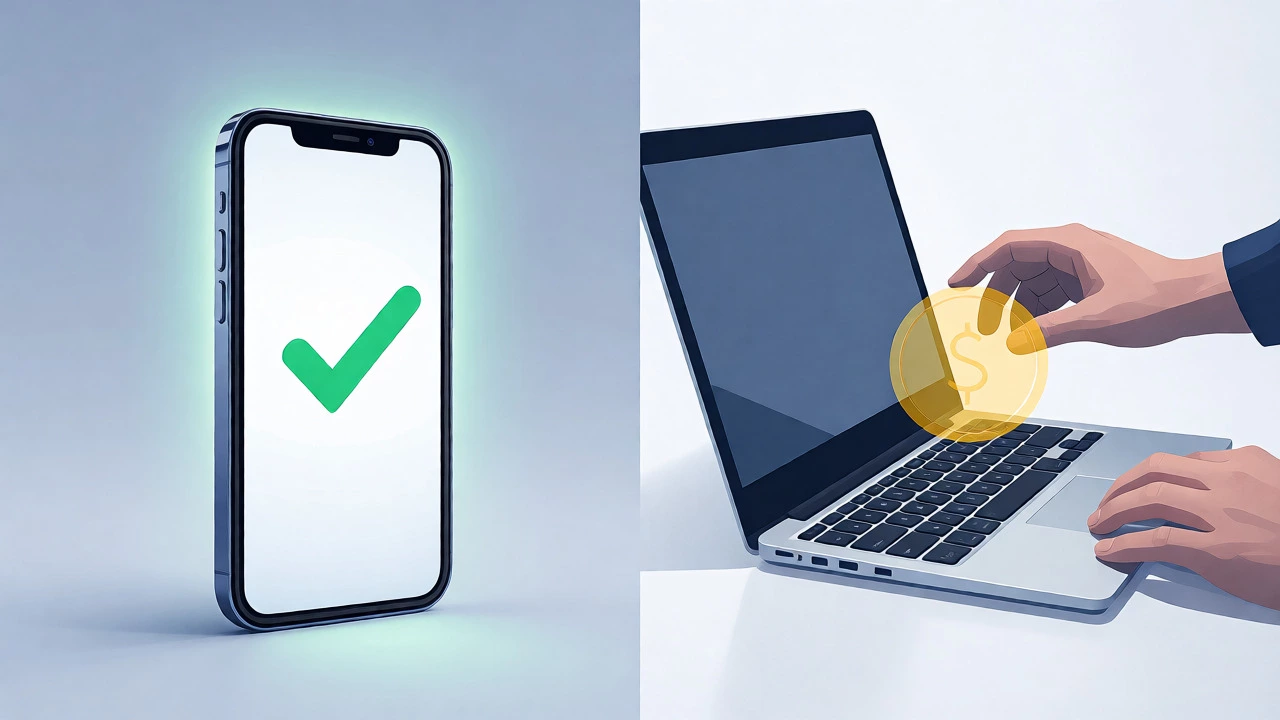
Let’s talk about the money. Many users confuse the "diagnostic fee" with the "repair cost." These are two different things. The diagnostic fee is what you pay for the technician to open the laptop, test components, and identify the problem. In many cases, this fee is around $50-$70 AUD (approx. $30-$50 USD) depending on your location and current promotions.
| Service Type | Member Cost | Non-Member Cost | Notes |
|---|---|---|---|
| Phone Consultation | $0 | $0 (Basic) | Complex remote fixes may require premium support. |
| In-Store Diagnostics | $0 | ~$50 (USD) | Often waived if repair is approved. |
| Hardware Repair (Labor) | Covered by Plan | $99+ (USD) | Varies by complexity (screen vs. motherboard). |
| Data Recovery | Add-on Fee | $100+ (USD) | Not always included in standard repairs. |
Notice the pattern? Membership removes the friction. Without it, you are paying for expertise and labor. If you call and they determine the issue is simple, like a loose cable you can fix yourself, you haven’t been charged yet. But if you go into the store, expect that diagnostic fee to appear on your bill unless you commit to the repair.
When to Call vs. When to Go In-Person
Calling first is almost always the right move. Why? Because it filters out unnecessary trips. Imagine driving 30 minutes to a Best Buy store, waiting in line, only to be told you needed to press a specific function key combo to exit airplane mode. That’s a waste of your day. Phone support acts as a triage nurse. They assess the severity before sending you to the operating room.
However, there are scenarios where skipping the phone call makes sense. If your laptop won’t turn on at all-no lights, no fan noise-phone support can only guess. They’ll likely tell you to try a different outlet or charger. If those fail, you’re stuck. In these cases, booking an in-home visit or a store drop-off immediately saves time. Also, if you suspect water damage, don’t bother calling. Liquid damage requires immediate physical inspection and cleaning, which can’t be done remotely.
Australian Context: Localizing the Experience
Since we are looking at this from an Australian perspective, it’s worth noting that Best Buy operates primarily in North America. In Australia, the equivalent services are offered by retailers like Harvey Norman or JB Hi-Fi, often through third-party partners like iCare or local IT shops. However, many Australians buy laptops from US-based online stores or use global brands like Dell or HP that offer international support.
If you are using a US-based Geek Squad number from Adelaide, be aware of roaming charges. While the support itself might be free, your mobile carrier might charge you for international calls. Always check your plan. Alternatively, use the chat feature on their website, which is data-only and avoids call fees. For local repairs, compare Geek Squad-style services against independent technicians who often charge less for diagnostics (sometimes free) but lack the brand-name parts guarantee.
Tips to Avoid Unexpected Charges
Before you dial, prepare your information. Have your serial number ready. Know your purchase date. If you have a credit card receipt, keep it handy. Agents can often verify warranty status faster if you provide proof of purchase upfront. This reduces the time on the line, which matters if you are on a metered call plan.
Also, ask explicitly about fees at the start of the call. Say, "I am calling for basic troubleshooting. Are there any charges for this consultation?" Get a clear yes or no. If they mention a diagnostic fee later, ask if it’s waivable upon repair. Most reputable tech support services will waive the diagnostic fee if you proceed with the work, so confirm this policy in writing via email follow-up if possible.
Finally, consider the age of your laptop. If your machine is five years old and the repair quote exceeds $200, you might be better off putting that money toward a new entry-level model. Tech support is great, but economics matter. Sometimes the cheapest option isn’t the repair-it’s the upgrade.
Does Geek Squad charge for phone support?
Generally, no. Initial phone consultations and basic troubleshooting are free for all customers. However, complex remote interventions or services requiring a technician's time beyond basic advice may incur fees if you do not have a membership like Geek Squad Protection or Best Buy Total.
Is the diagnostic fee waived if I get the repair done?
Yes, in most cases, the in-store diagnostic fee (typically around $50 USD) is waived if you approve the repair estimate provided by the technician. This incentive encourages customers to proceed with the service rather than leaving with just a diagnosis.
Can I get free support for a laptop I didn't buy at Best Buy?
Yes, but options are more limited. Non-Best Buy purchases usually qualify for basic troubleshooting over the phone or chat. For physical repairs, you will likely pay full retail rates for labor and parts, and you won't benefit from bundled membership discounts unless you sign up for a standalone Geek Squad Protection plan for that device.
How long does Geek Squad phone support take?
Wait times vary significantly based on demand. During holiday seasons or product launches, wait times can exceed 30 minutes. Using the callback feature on their app or website is recommended to avoid holding. Members often receive priority routing, reducing average wait times to under 10 minutes.
What is the difference between Geek Squad Protection and AppleCare?
Geek Squad Protection is a retailer-specific service plan that covers accidental damage, theft, and mechanical failures for devices sold at Best Buy. AppleCare is a manufacturer-specific warranty extension for Apple products. While both offer support, Geek Squad provides broader retailer flexibility, whereas AppleCare ensures genuine Apple parts and direct manufacturer support.