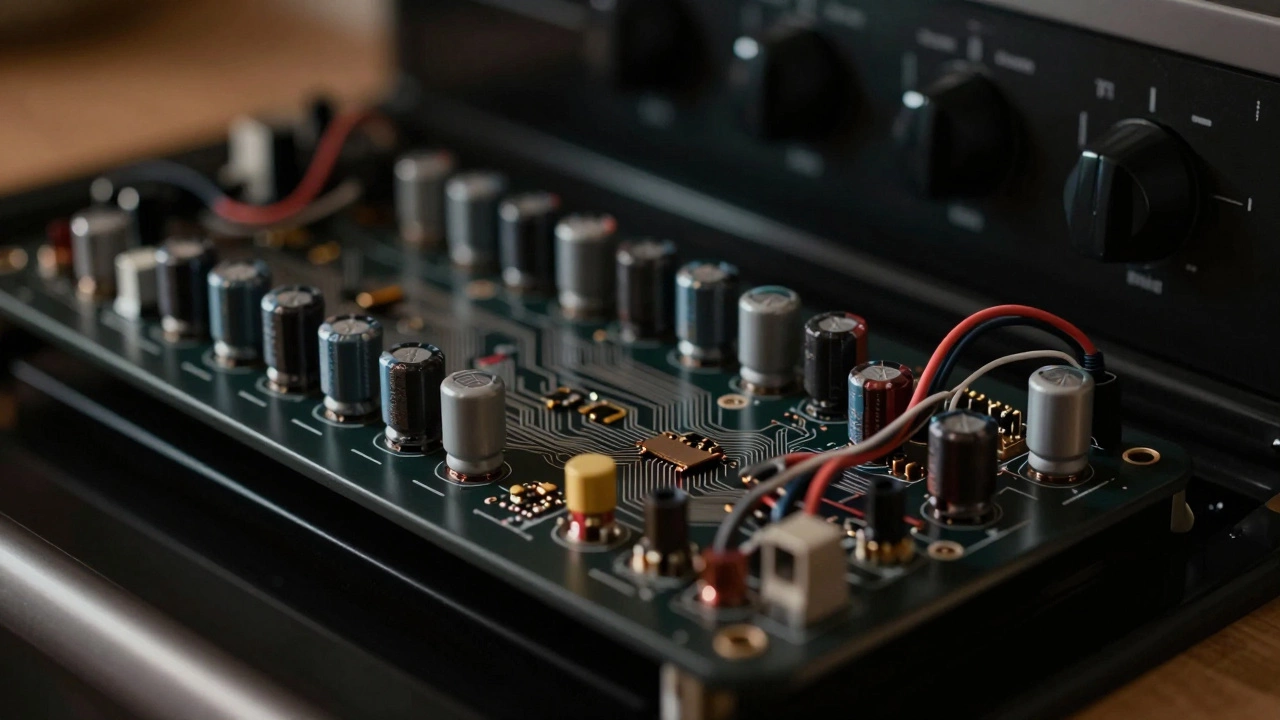
Oven Control Board Diagnostic Tool
This tool helps identify if your oven control board is likely faulty based on your symptoms. Select all symptoms you're experiencing to get a diagnosis and next steps.
If your oven won’t turn on, the display is blank, or it’s heating unevenly - and you’ve already checked the power and the heating elements - the problem might be the control board. It’s the brain of your oven, and when it fails, it doesn’t always scream for help. Sometimes it just stops working quietly. You might think it’s a fuse, a thermostat, or a broken element. But if those check out, the control board is often the real culprit.
What does the oven control board actually do?
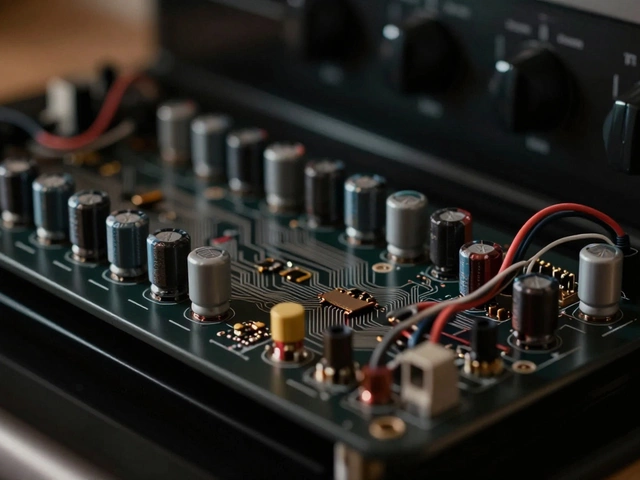
The control board is a small circuit board hidden behind the keypad or inside the oven’s control panel. It takes input from your buttons - like setting the temperature or turning on the bake function - and sends the right electrical signals to the heating elements, fan, and display. It’s not a simple switch. It’s a tiny computer that manages timing, temperature, safety locks, and error codes. If it gets damaged by voltage spikes, moisture, or just age, it can start acting up in strange ways.
Most oven control boards last 8 to 12 years. If your oven is older than that and suddenly acting weird, it’s not just coincidence. Manufacturers don’t design these boards to last forever. They’re built to be replaceable, not repairable.
Signs your oven control board is bad
Here’s what a failing control board usually does:
- The display is dead. No numbers, no lights, nothing. You press buttons and get zero response. If the oven light still works but the display stays dark, the board likely isn’t sending power to the screen.
- Buttons don’t respond. You press Bake, Broil, or Timer - nothing happens. Not even a beep. This isn’t a sticky button issue. If all buttons fail at once, the board isn’t reading inputs.
- The oven heats randomly or not at all. You set it to 350°F and it heats to 450°F. Or it doesn’t heat at all, even though the elements glow red when tested separately. The board isn’t regulating power correctly.
- Error codes show up and won’t clear. Codes like F1, F2, E0, or E1 mean something’s wrong. But if the code keeps coming back after you reset the power, or if it’s a code that doesn’t match your oven’s manual, it’s often the board misfiring.
- The oven turns on by itself. This is rare but serious. If your oven starts heating without you touching anything, the control board has a short circuit. Turn off the breaker immediately. This is a fire risk.
- The clock resets constantly. If the time keeps flashing or going back to 12:00, the board’s memory chip is failing. It can’t hold settings.
These symptoms don’t always mean the board is dead. But if you see two or more of them - especially with a dead display and unresponsive buttons - the odds are high.
How to test the control board (without a multimeter)
You don’t need to be an electrician to check if the board is bad. Here’s a simple method:
- Turn off the power at the circuit breaker. Wait 5 minutes. This resets the board.
- Turn the power back on. Watch the display. Does it light up? Do the buttons respond?
- If nothing changes - no lights, no beeps, no reaction - the board likely failed.
- Try a different outlet if your oven is plug-in. Sometimes the issue is the outlet, not the board.
- Check the oven’s thermal fuse. It’s a small white or black component near the heating element. If it’s blown, the oven won’t heat. But if the display is dead too, the fuse is probably fine - the board is the issue.
If the oven works after the reset, it was just a glitch. But if it’s still dead? The board is probably done.
What else could be wrong?
Before you buy a new control board, rule out the obvious:
- Power supply. Is the circuit breaker tripped? Is the plug loose? Test the outlet with another appliance.
- Thermal fuse. This safety device blows if the oven overheats. It’s cheap and easy to replace. But if the display is dead, the fuse is rarely the problem.
- Door switch. If the oven won’t turn on when the door is closed, the switch might be stuck. Try pressing it manually while the power is on.
- Wiring. Loose or burnt wires behind the control panel can mimic a bad board. Look for frayed wires or melted insulation.
If all of these are fine and the symptoms match - dead display, unresponsive buttons, random heating - then the control board is the problem.
Can you fix it yourself?
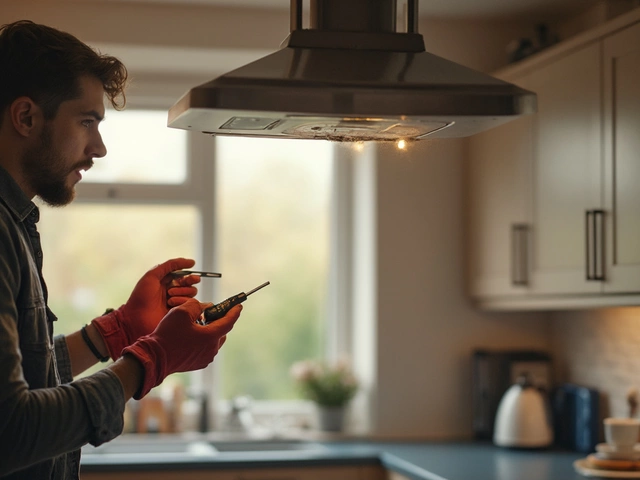
Yes - if you’re comfortable with basic tools and aren’t afraid of pulling out panels. Here’s how:
- Turn off the power. Always. No exceptions.
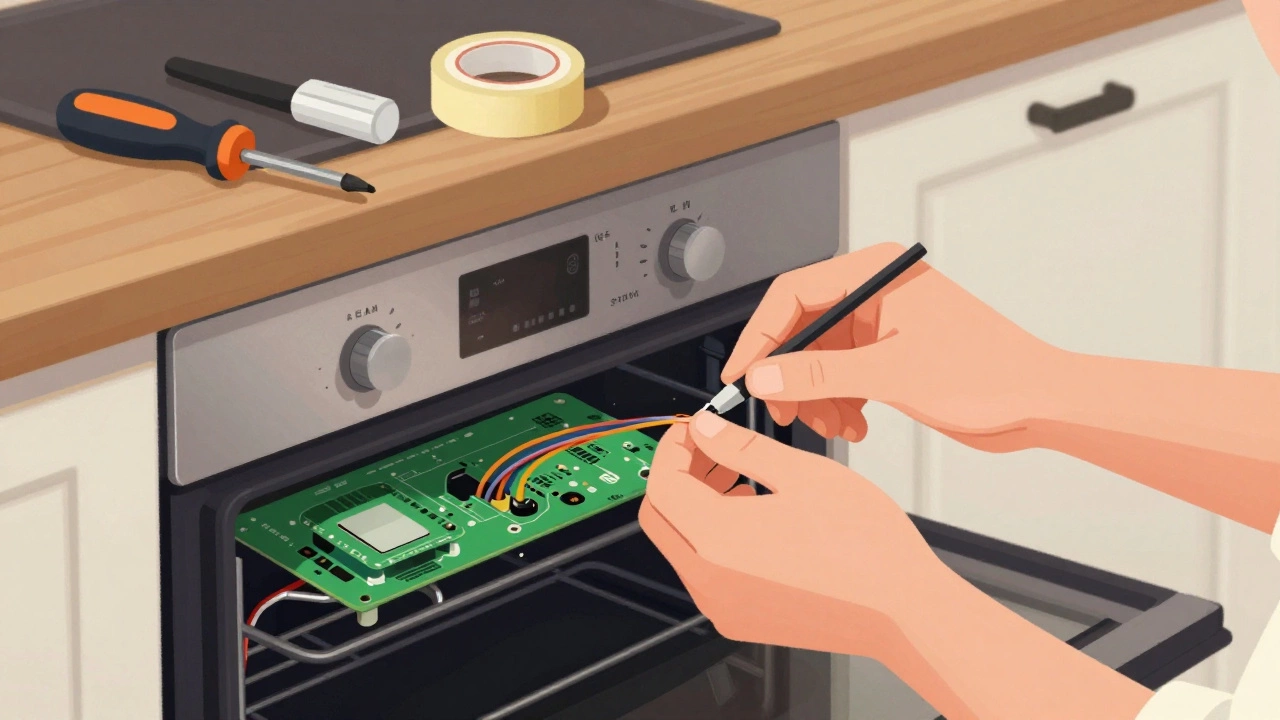
- Remove the control panel. Usually, it’s held by screws on the sides or back. Take a photo before you disconnect anything.
- Label each wire before unplugging. Use tape and a marker. Control boards have 10+ wires. Mixing them up will break the oven worse.
- Take the old board to a parts store or order the exact replacement online. Use your oven’s model number. Don’t guess.
- Plug the new board in, reassemble, and restore power.
A new control board costs between $100 and $250, depending on the brand. Labor from a technician? Around $300 to $500. Doing it yourself saves you at least $200.
Most people avoid this repair because they think it’s too technical. But it’s no harder than replacing a light switch. If you’ve ever changed a car battery, you can handle this.
When to call a professional
Call a technician if:
- You’re not sure about the wiring.
- Your oven is built into cabinetry and hard to access.
- You see smoke, burning smells, or melted plastic near the board.
- You’ve tried replacing the board and it still doesn’t work.
Don’t risk a fire. If the board is fried and you’re unsure, get help.

Preventing future control board failures
Control boards don’t usually fail for no reason. Here’s how to make yours last:
- Use surge protectors. Voltage spikes from storms or appliances turning on/off fry control boards. Plug your oven into a surge-protected outlet.
- Keep the control panel dry. Don’t spray cleaners directly on the buttons. Wipe with a damp cloth. Moisture gets inside and corrodes circuits.
- Avoid overheating. Don’t leave the oven on broil for hours. Excess heat builds up behind the panel and stresses the board.
- Don’t ignore error codes. A code like F3 might mean a sensor issue. Fix it early before it fries the board.
These steps won’t make your board last forever - but they can add 2 to 5 years to its life.
What to do if your oven is too old to repair
If your oven is over 15 years old and the control board is dead, consider replacement. New ovens are more energy-efficient, have better safety features, and come with smart controls. A new mid-range oven costs $600 to $1,200. That’s more than a control board - but less than replacing it twice.
Ask yourself: Is it worth spending $200 on a part that might fail again in 2 years? Or should you upgrade to something that’ll last 10?
There’s no right answer. But if you’re already spending time and money on repairs, it’s worth thinking about.
Can a bad control board cause my oven to not heat at all?
Yes. The control board sends power to the heating elements. If it’s faulty, it won’t send the signal - even if the elements themselves are fine. You can test the elements with a multimeter. If they have continuity, the board is likely the issue.
Why does my oven display go blank after a power outage?
Sometimes, power surges during outages damage the board’s internal memory or voltage regulator. If the display stays blank after resetting the breaker, the board is probably damaged. A temporary glitch would clear after a reset. A permanent blank screen means the board needs replacing.
Is it safe to use an oven with a flickering display?
It’s risky. A flickering display often means the board is failing and could send erratic signals to the heating elements. This might cause overheating or unexpected shutdowns. Stop using the oven and replace the board as soon as possible.
Can I use a universal control board instead of the OEM part?
No. Universal boards rarely work properly. They might power on, but timing, temperature control, and safety features won’t match your oven’s design. This can lead to overheating, cooking errors, or even fire. Always use the manufacturer’s exact replacement part.
How long does it take to replace an oven control board?
For someone with basic tools and experience, it takes 45 to 90 minutes. That includes removing the panel, labeling wires, unplugging the old board, installing the new one, and testing. If you’re new to this, give yourself 2 hours. Patience matters more than speed.
Final thoughts
A dead control board doesn’t mean your oven is garbage. It just means one part failed. Most ovens can live for decades - even with a few repairs. Replacing the board is one of the most cost-effective fixes you can do. It’s not glamorous, but it saves money, reduces waste, and keeps your kitchen running.
If your oven’s display is dark and the buttons don’t respond - don’t assume it’s broken. Test it. Rule out the simple stuff. And if the board is the issue? You can fix it. You don’t need to be an expert. You just need to be careful, patient, and willing to try.