
Washing Machine Reset Guide & Timer
Step 1: What is the issue?
Select the problem you are experiencing to get tailored advice.
Step 2: Select Your Brand
Some brands have specific button combinations for resets.
Step 3: Perform the Reset
Universal Power Cycle
Follow these steps carefully.
Power Cycle Timer
Wait for this duration after unplugging to ensure capacitors discharge.
Reset Complete!
If the error persists after this process, please check the drain pump filter, water supply, or door seal as mentioned in the article. If mechanical noises or leaks continue, consult a professional technician.
Your washing machine is making a strange noise, refusing to spin, or displaying an error code you’ve never seen before. Panic sets in as you realize your clothes are still dirty and damp. Before you call a technician or buy a new appliance, there is one simple step that fixes the majority of modern washing machine glitches: a reset.
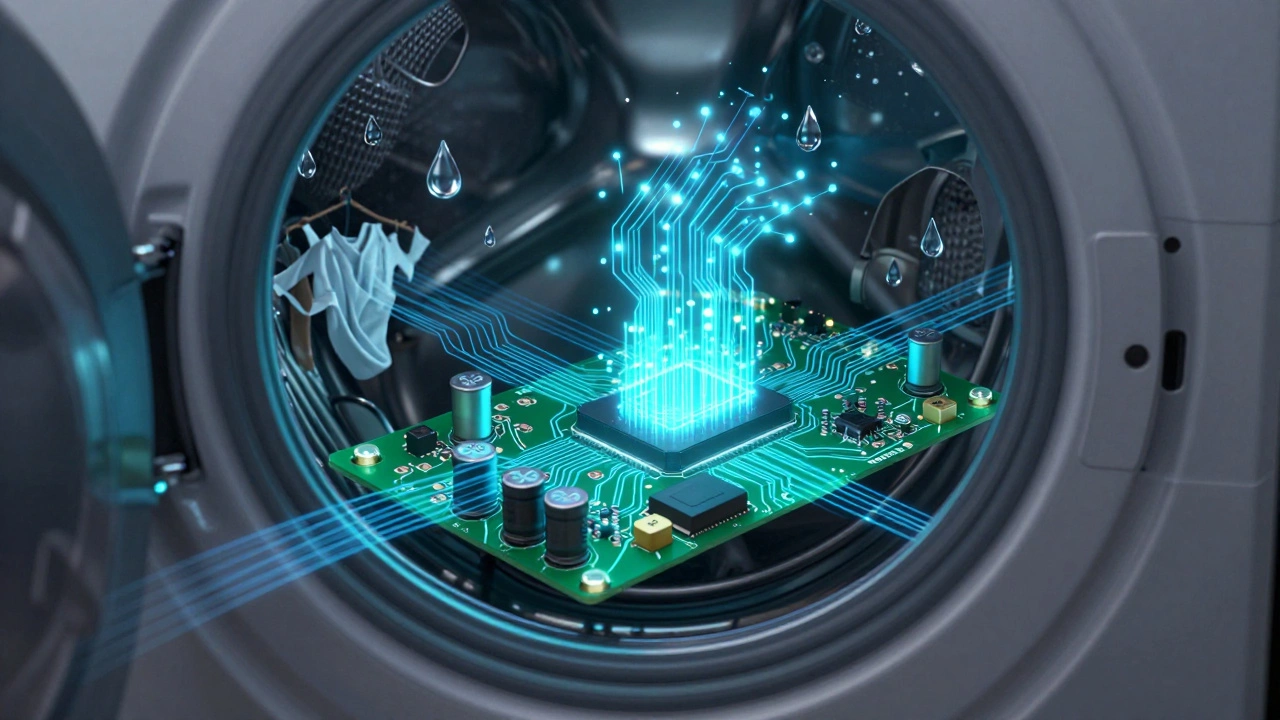
Modern washers are essentially computers with motors. Like any computer, they can get confused by power surges, interrupted cycles, or sensor errors. A reset clears the temporary memory (RAM) and forces the control board to reboot its logic. It’s the digital equivalent of turning it off and on again, but for appliances, the process requires a bit more nuance than just flipping a switch.
The Universal Power Cycle Method
This method works for approximately 80% of minor electronic glitches across all brands, including Samsung, LG, Whirlpool, and Bosch. It clears the volatile memory where the machine stores the current cycle status.
- Pause the Cycle: If the machine is running, press the 'Pause' or 'Start/Pause' button first. Wait for the door lock to disengage (you might hear a click).
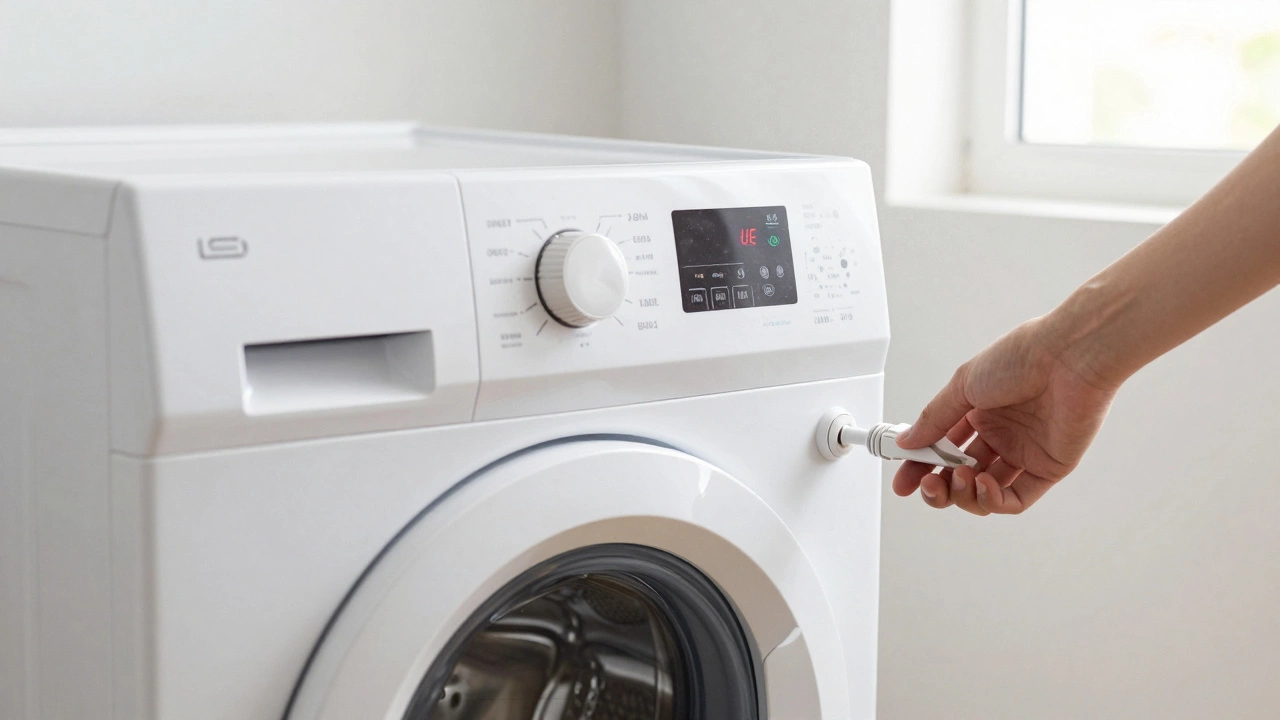
- Unplug the Appliance: Pull the plug from the wall socket. Do not just turn it off at the switch; you need to cut the physical power connection to ensure the capacitors in the main control board discharge completely.
- Wait 60 Seconds: This is crucial. The internal electronics need time to lose their residual charge. Set a timer on your phone if necessary.
- Plug Back In: Reconnect the power cord firmly.
- Restart: Turn the machine on. You may see the lights flash or the display show all segments briefly-this is normal.
If the error code disappears and the machine responds to button presses, you’re good to go. Select a new cycle and run it. If the problem persists, move to the brand-specific methods below.
Brand-Specific Reset Combinations
Some manufacturers program specific button combinations to trigger a factory reset or clear persistent error codes. These vary significantly between models, so check your user manual if possible. Here are the most common sequences for major brands available in Australia and globally.
| Brand | Reset Action | Notes |
|---|---|---|
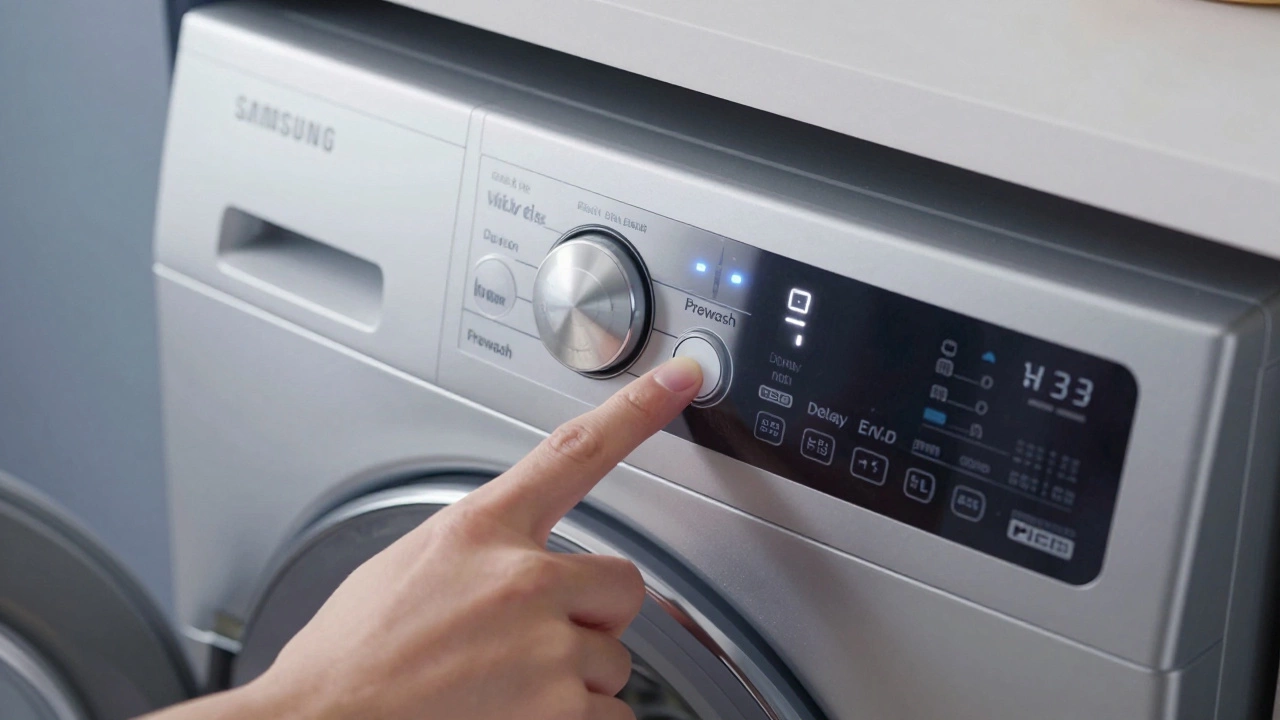
| Samsung | Hold Prewash + Delay End for 3-5 seconds | Works on many front-loaders. May enter diagnostic mode. |
| LG | Hold Prewash + Rinse Hold for 3 seconds | Alternatively, unplug for 5 minutes for a hard reset. |
| Whirlpool | Press Power off, wait 1 minute, then Power on | Some models require holding Clean + Spin. |
| Bosch | Turn dial to Off, unplug for 1 minute | Bosch machines rarely have a button combo; rely on power cycle. |
| Miele | Hold On/Off button for 5 seconds | Or use the Maintenance menu option if accessible. |
| Electrolux | Hold Power button for 5-10 seconds | May require unplugging if the panel is unresponsive. |
Pro Tip: If you don’t know your exact model number, try the universal power cycle first. It is safer and less likely to accidentally put the machine into a hidden service/diagnostic mode, which can be confusing for non-technicians.
Why Your Washing Machine Needs a Reset
Understanding why a reset helps you diagnose if it will actually work. Resets fix software conflicts, not hardware failures. Here are the three most common scenarios where a reset is the correct solution.
1. Interrupted Cycles
If the power went out during a wash, or if you paused the machine and walked away for hours, the control board might be stuck in a "limbo" state. It doesn’t know whether to fill, drain, or spin. A reset tells the brain, "Forget what was happening; start fresh."
2. Sensor Conflicts
Modern machines use load sensors to determine water levels. Sometimes, these sensors give false readings due to static electricity or temporary calibration drift. For example, the machine thinks the tub is full when it’s empty. A reboot recalibrates the baseline sensor data.
3. Error Code Lockouts
Many machines lock out operation after detecting an issue like an unbalanced load (UE error) or a drainage fault (OE/LE error). Even if you’ve fixed the underlying issue (e.g., moved the heavy blanket), the error code remains active until cleared. A reset clears the alert flag.
When a Reset Won't Fix the Problem
It’s important to manage expectations. A reset is a software fix. If the problem is mechanical or physical, resetting the machine will do nothing. Look for these signs that indicate a hardware failure:
- Loud Grinding Noises: This usually indicates worn-out drum bearings or a broken drive belt. Software cannot fix metal-on-metal friction.
- Water Leaking from the Bottom: This suggests a cracked pump impeller, loose hose connections, or a damaged door seal. Resetting won’t stop water flow.
- Burning Smell: If you smell burning plastic or rubber, unplug the machine immediately. This could be a failing motor or overheating wiring. Do not attempt to reset and run it again.
- Door Won’t Unlock: If the door remains locked after a power cycle and waiting 10 minutes, the door lock mechanism itself may be broken. Forcing it open can damage the latch.
Troubleshooting Before You Reset
Sometimes, the "error" is actually a safety feature doing its job. Before you go through the reset motions, check these physical factors:
- Check the Drain Pump Filter: Located behind a small hatch at the bottom front of the machine. If this is clogged with coins, lint, or hair, the machine will refuse to spin or drain, throwing an error code. Clean it out, and the error often clears automatically without a full reset.
- Verify Water Supply: Ensure the taps behind the machine are fully open. If the inlet valves are closed, the machine will timeout and display a fill error.
- Inspect the Door Seal: Make sure no small items (socks, underwear) are trapped in the rubber gasket. Some machines have sensors that detect obstructions and will not start.
- Level the Feet: An unbalanced machine will vibrate excessively and trigger imbalance errors. Shake the machine gently; if it wobbles, adjust the feet using a wrench.
Advanced: Factory Reset vs. Soft Reset
There is a difference between a soft reset (power cycle) and a factory reset. A factory reset wipes all custom settings, such as child locks, eco-mode preferences, and language selections. Only perform a factory reset if the control panel is completely unresponsive or behaving erratically (e.g., buttons registering multiple presses).
To perform a factory reset on most machines:
- Unplug the machine for 5 minutes.
- Plug it back in.
- Immediately hold down a combination of buttons (often Temp + Spin or Start + Cancel) for 5-10 seconds until the display flashes or beeps twice.
- The machine should return to its default language and standard cycle settings.
Warning: Consult your specific model’s manual for factory reset instructions. Incorrectly entering diagnostic modes can sometimes disable features until a technician resets them via a specialized tool.
Maintaining Your Washing Machine to Avoid Resets
Regular maintenance reduces the likelihood of sensor errors and electronic glitches. Here is a simple checklist:
- Run a Cleaning Cycle Monthly: Use a washing machine cleaner or white vinegar to remove buildup inside the drum and pipes. Buildup can interfere with water level sensors.
- Leave the Door Open: After each wash, leave the door ajar for a few hours to let moisture escape. Mold and mildew can eventually corrode electrical contacts.
- Use Correct Detergent Amounts: Over-sudsing from too much detergent can trigger foam detection errors, causing the machine to pause or stop unexpectedly.
- Check Hoses Annually: Ensure inlet hoses aren’t kinked and drain hoses are securely attached. Kinks restrict water flow, leading to timeouts.
Frequently Asked Questions
How long should I wait after unplugging my washing machine?
You should wait at least 60 seconds. This allows the capacitors in the main control board to discharge completely, ensuring a true reset of the electronic memory. For stubborn issues, waiting up to 5 minutes can help.
Will resetting my washing machine delete my settings?
A standard power cycle (unplugging and replugging) will not delete your custom settings like water temperature preferences or delay timers. However, a factory reset (using specific button combinations) will wipe all customizations and return the machine to its original factory defaults.
My washing machine is stuck on 'Drain'. How do I reset it?
First, check the drain pump filter for blockages like coins or lint. Clean the filter thoroughly. Then, perform a power cycle by unplugging the machine for 60 seconds. When you plug it back in, select a 'Spin' or 'Drain' only cycle to test if the pump is working correctly.
Can I reset my washing machine if the door is locked?
Yes. Unplugging the machine is the safest way to release the door lock. Most door locks are electromechanical and will disengage once power is removed. Wait at least 2-3 minutes after unplugging before trying to open the door manually.
What does the 'UE' error code mean, and can a reset fix it?
'UE' typically stands for 'Unbalanced Load.' This happens when laundry is clumped on one side of the drum. A reset alone won't fix it. You need to redistribute the laundry evenly inside the drum. Once balanced, the error should clear automatically or after a simple power cycle.
Is it safe to reset a washing machine during a storm?
It is generally safe to unplug and reset a washing machine during a storm, but avoid doing so if there is standing water near the outlet. If lightning strikes nearby, it’s best to wait until the storm has passed to prevent potential surge damage to the control board when you plug it back in.