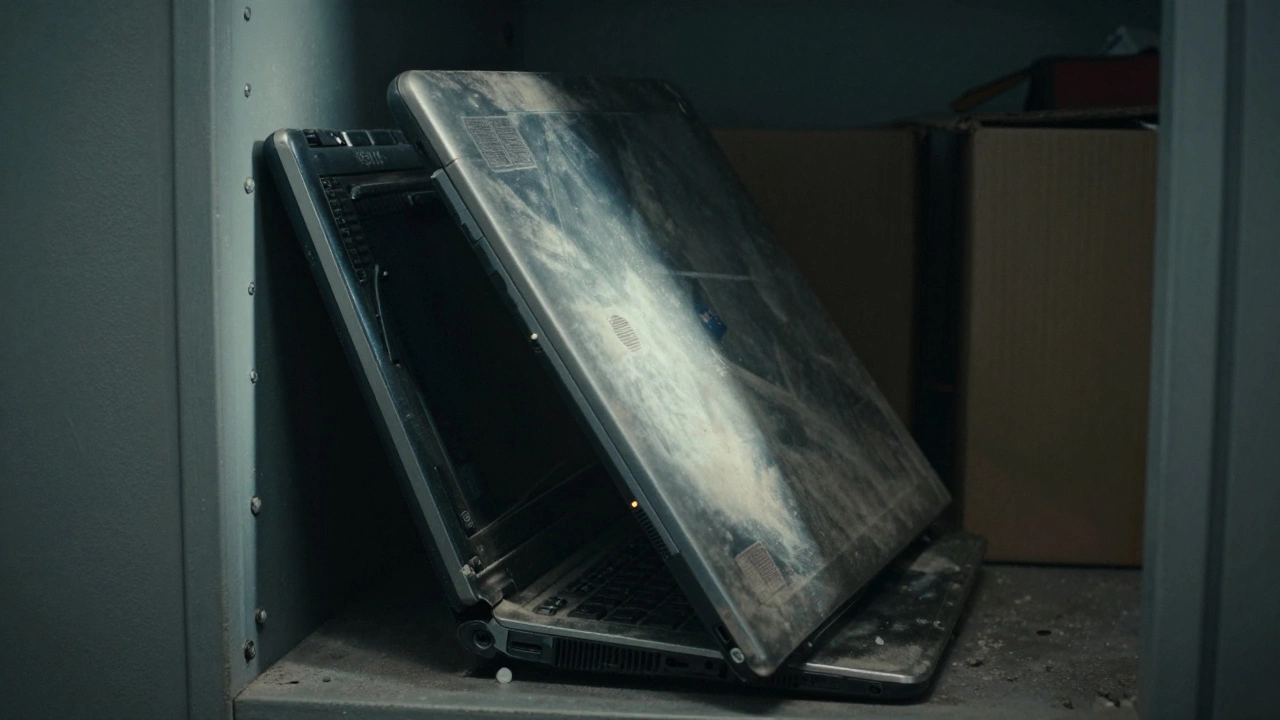
Laptop Revival Decision Tool
Answer a few questions about your 10-year-old laptop to see if it's a hidden gem or electronic waste.
Recommended Actions:
Estimated Cost:
Quick Verdict: Keep or Toss?
- Keep it if: You only need a web browser, a word processor, or a basic machine for a child, and you're willing to spend $40 on an SSD.
- Toss it if: The screen is flickering, the motherboard has liquid damage, or you need to run modern video editing software and high-end games.
- The Middle Ground: Use it as a dedicated home server, a digital photo frame, or a guest machine for basic tasks.
The Hardware Reality Check
Before you decide to keep your gear, you need to look at what's actually inside. A laptop is a portable personal computer that integrates a display, keyboard, and processor into a single unit. After ten years, the physical components age differently. The most common failure point isn't actually the processor, but the storage and the power supply.
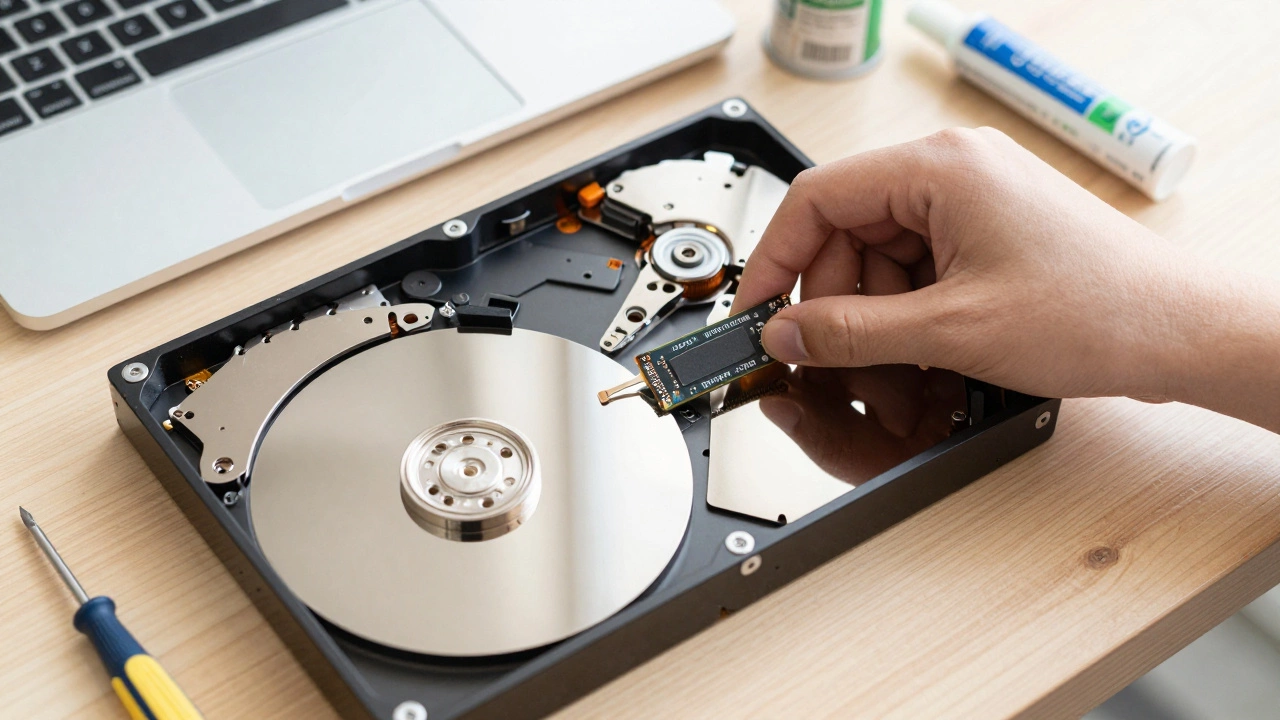
Most laptops from a decade ago relied on HDD (Hard Disk Drives). These are mechanical platters that spin. After ten years, those bearings wear down and the read/write heads lose precision, which is why your computer feels like it's wading through molasses. If you're seeing "Disk Usage 100%" in your task manager, the hardware isn't necessarily "dead," it's just outdated. Replacing this with an SSD (Solid State Drive), which is a storage device that uses NAND-based flash memory to store data, can make a 2016 machine feel faster than a brand-new cheap budget laptop today.
Then there's the battery. Lithium-ion batteries degrade over time. If your battery is bulging or pushing the trackpad up, stop using it immediately. That's a safety risk. If it just dies after 20 minutes of unplugged use, you can either replace the cell or simply treat the laptop as a desktop that happens to have a built-in screen.
The Software Wall
Hardware is one thing, but software is where the real struggle begins. Windows 10 is the baseline for most of these machines, but as we move further into 2026, support for older operating systems becomes a security nightmare. When a company stops providing security patches, your laptop becomes a gateway for malware the moment you connect to Wi-Fi.
If your laptop is struggling with a heavy OS, the best move is to switch to Linux. This is an open-source operating system kernel that serves as the foundation for distributions like Ubuntu and Mint. Because Linux is much lighter on system resources, it can breathe new life into a machine with only 4GB of RAM. I've seen laptops that practically crashed while opening a single Chrome tab on Windows suddenly fly through tasks using a lightweight Linux distro like XFCE.
| Component | Original State (2016) | Upgraded State (2026) | Impact on Speed |
|---|---|---|---|
| Storage | 500GB HDD (Slow) | 256GB SSD (Fast) | Massive improvement in boot time |
| Memory | 4GB DDR3 RAM | 8GB or 16GB DDR3 | Better multitasking/more tabs |
| OS | Windows 7/10 | Linux Mint / ChromeOS Flex | Faster interface, better security |
| Thermal | Dusty fans / Dry paste | Cleaned + New Thermal Paste | Lower heat, less fan noise |
When is it Actually Worth the Effort?
You have to run a cost-benefit analysis. If you spend $50 on a new SSD and $20 on a stick of RAM, you've spent $70 to get a machine that can handle Netflix, Zoom calls, and Google Docs. If you buy a new entry-level laptop, you're spending $300 to $500. If the old laptop's screen is still crisp and the keyboard works, that $70 investment is a steal.
However, if you're a professional who needs CPU power-like someone using AutoCAD or Premiere Pro-the 10-year-old processor is a brick wall. Modern software relies on instructions that older chips simply don't have. No amount of RAM will fix a processor that can't handle the math required by modern encryption or video codecs. In those cases, keeping the laptop is just sentimental hoarding.
The "Secret Life" of an Old Laptop
If you don't need it as your primary computer, don't throw it away. There are a dozen ways to use a decade-old machine that don't involve browsing the web. You can turn it into a dedicated Home Server, which is a computer dedicated to providing services to other devices on a local network. Use it to host a local file backup, a print server, or even a small Minecraft server for your kids.
Another great option is a dedicated "Distraction-Free" writing station. Wipe the drive, install a basic text editor, and disable the Wi-Fi. Suddenly, you have a tool that doesn't tempt you with YouTube notifications every five seconds. Some writers actually prefer the clunkier keyboards of older laptops over the shallow keys found on modern ultrabooks.
Common Pitfalls and Warnings
If you decide to revive your old tech, be careful with the cleaning process. Many people try to use a vacuum cleaner to suck dust out of the vents, but this can create static electricity that fries the motherboard. Instead, use a can of compressed air. While you're at it, look into Thermal Paste. This is a thermally conductive substance used to fill air gaps between a processor and its heat sink. After ten years, the paste is likely dry and cracked, causing your laptop to overheat and throttle its speed. Replacing it is a cheap way to regain lost performance.
Also, be mindful of the Operating System licensing. If you're reinstalling Windows, make sure you have the original product key. Many old laptops have the key embedded in the BIOS, but some required a physical sticker on the bottom of the case. If that sticker is gone and the key isn't in the BIOS, you're stuck with a non-activated version of Windows, which is another reason to just switch to Linux.
Can I run Windows 11 on a 10-year-old laptop?
Officially, no. Windows 11 requires a TPM 2.0 chip and a relatively modern CPU (usually 8th Gen Intel or newer). While there are "workarounds" to bypass these checks, the performance is usually terrible, and you may stop receiving critical security updates. Stick to Windows 10 or a lightweight Linux version.
Is it safe to use a 10-year-old battery?
It depends. If the battery is physically swollen (the casing looks warped), it is a fire hazard and should be removed immediately. If it just doesn't hold a charge, it's safe but useless. In that case, keep the laptop plugged into the wall or buy a replacement battery from a reputable third-party seller.
Will adding more RAM make my old laptop feel new?
RAM helps with multitasking-like having 20 browser tabs open-but it won't make the computer boot faster. For that, you need an SSD. The best combination for an old laptop is an SSD for speed and at least 8GB of RAM for stability.
Should I sell it or recycle it?
Unless it's a high-end workstation or a rare model, a 10-year-old laptop has very little resale value (maybe $20-$50). If it's broken, do not throw it in the trash. Take it to an e-waste recycler to ensure the heavy metals in the motherboard and battery don't end up in a landfill.
What is ChromeOS Flex?
ChromeOS Flex is a version of Google's operating system designed specifically for old PCs and Macs. It turns your laptop into essentially a Chromebook. It's incredibly fast on old hardware because it runs almost everything through the browser, making it a great choice for students or elderly users.
Next Steps for Your Old Gear
If you've decided to keep the machine, start with a deep clean. Use compressed air on the fans and check the battery for swelling. If the hardware is healthy, try installing ChromeOS Flex or Linux Mint to see if the speed improves without spending a dime. If it's still too slow, look for a cheap SATA SSD on Amazon or eBay. Most 2016-era laptops use standard 2.5-inch drives that are very easy to swap with a simple screwdriver.