
Laptop Repair vs. Replace Calculator
Enter Values
Input your repair quote and the price of a new laptop to see our recommendation.
Have you ever dropped your laptop, watched the screen crack, and then received a quote that made your jaw drop? You are not alone. In 2026, getting a laptop fixed often feels like paying for a luxury service rather than a basic utility. Whether it is a simple hinge adjustment or a complex motherboard replacement, the final bill can range from $150 to over $800. But why does it cost so much?
The short answer is that modern laptops are incredibly dense pieces of engineering. They are not just computers; they are tightly integrated systems where every millimeter counts. When something breaks, fixing it requires specialized tools, rare parts, and highly skilled technicians who have to work faster than you can blink to avoid damaging other components. Let’s break down exactly where your money goes when you hand over your device.
The High Cost of Specialized Labor
The biggest shock for most people is the labor rate. Unlike changing a lightbulb or fixing a leaky faucet, laptop repair requires microscopic precision. Technicians need years of training to handle soldering on tiny circuit boards, diagnose software conflicts, and manage delicate internal components.
In major cities, hourly rates for certified technicians range from $80 to $150 per hour. This isn't just about showing up; it's about the expertise required to open a device without stripping screws or snapping plastic clips. Modern laptops use proprietary screw sizes and adhesive seals that require specific heat guns and pry tools. If a technician makes one mistake, they could short-circuit the entire board, turning a $200 repair into a total loss. You are paying for their insurance against catastrophic errors.
Furthermore, diagnostic time is billed. Before any part is touched, a tech needs to identify the root cause. Is the battery swollen because of age, or is there a voltage regulator failure on the motherboard? Pinpointing this issue takes time, and that time costs money. Many shops charge a flat diagnostic fee (often $50-$100) which is waived if you proceed with the repair, but it reflects the real effort involved in troubleshooting.
Proprietary Parts and Supply Chain Issues
If labor is the first hurdle, parts are the second. Manufacturers like Apple, Dell, HP, and Lenovo design laptops to be thin and lightweight. To achieve this, they glue components together and use custom-shaped parts that fit nowhere else. This means you cannot simply buy a generic replacement part off the shelf.
OEM parts (Original Equipment Manufacturer) are expensive because they are produced in smaller batches compared to desktop computer parts. For example, a replacement LCD panel for a high-end gaming laptop might cost $300 just for the part itself. Add shipping, handling, and the markup the repair shop needs to make a profit, and the price jumps significantly.
Another factor is the shortage of genuine parts. As manufacturers push users toward buying new devices, they sometimes limit the supply of spare parts for older models. This scarcity drives up prices. Technicians often have to order parts from overseas warehouses, adding weeks to the wait time and increasing the logistical cost. If you have a three-year-old model, finding an exact match for a keyboard or trackpad can be a treasure hunt.
The Complexity of Modern Designs
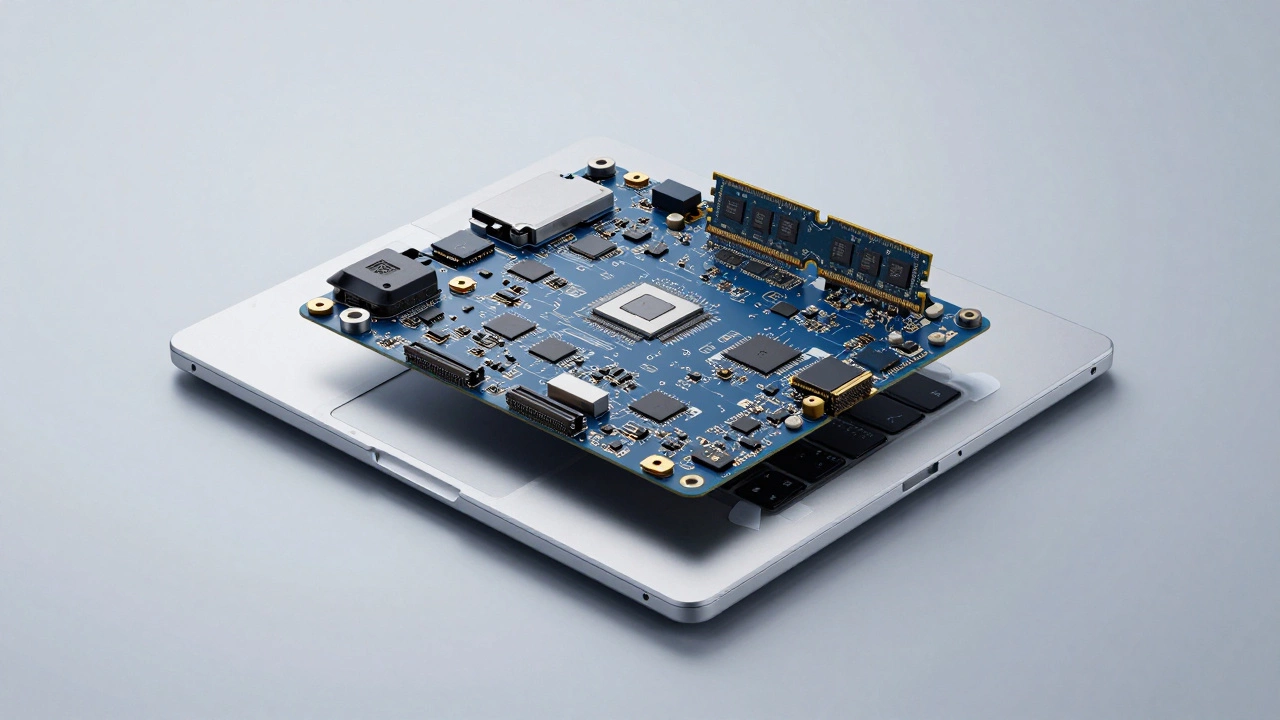
Gone are the days when you could pop open the back of your laptop and swap out a RAM stick or hard drive. Today, many components are soldered directly onto the motherboard. The SSD, RAM, and even the CPU are often fused to the main board. This integration improves performance and reduces size, but it creates a nightmare for repairs.
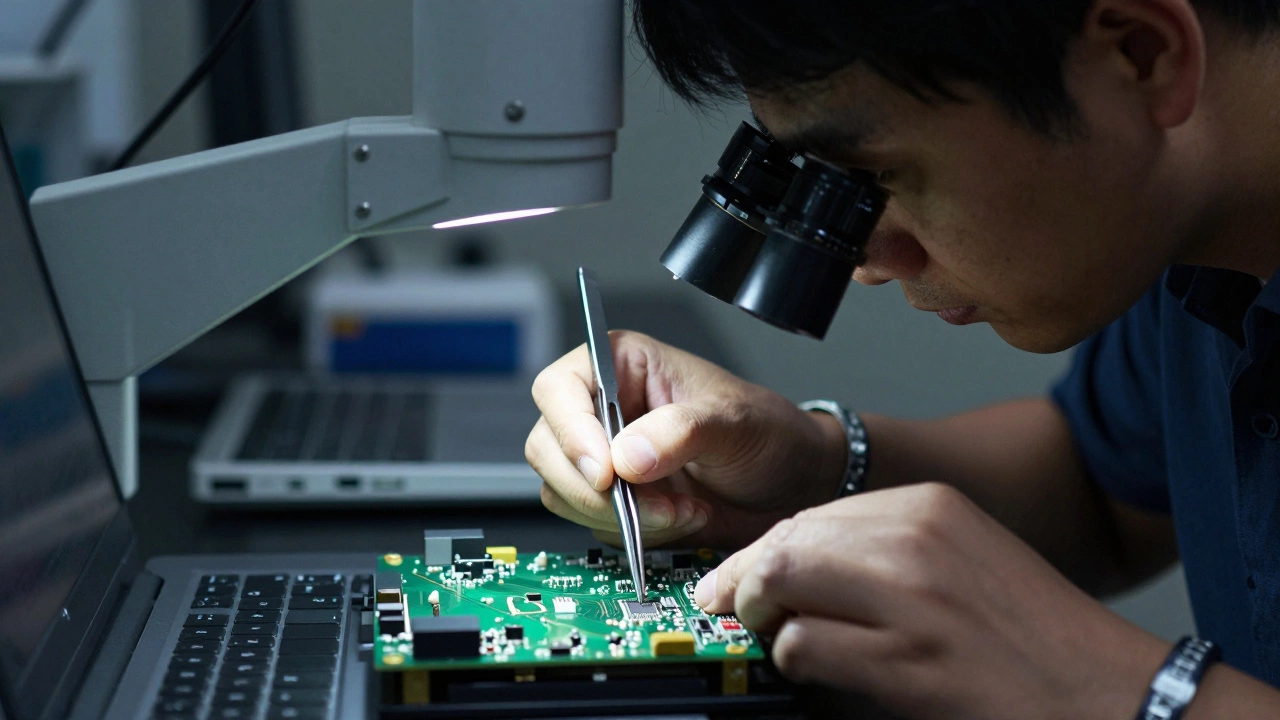
If your RAM fails, you don't replace the RAM module; you replace the entire motherboard. This is known as a "board-level" repair, and it is the most expensive type of fix. It requires advanced skills like micro-soldering, which involves using a microscope and hot air stations to remove and replace individual chips. Not every repair shop can do this. Only specialized labs with expensive equipment and certified engineers can attempt these fixes, and they charge a premium for that expertise.
Additionally, modern laptops use adhesives instead of screws to hold screens and batteries in place. Removing a cracked screen without breaking the chassis requires careful heating and peeling. One slip, and you damage the digitizer layer or the frame. This risk factor is baked into the price. Technicians are essentially performing surgery on your device.
Comparison: Common Repairs and Estimated Costs
| Repair Type | Complexity Level | Average Part Cost | Average Labor Cost | Total Estimate |
|---|---|---|---|---|
| Screen Replacement | Medium | $150 - $400 | $80 - $120 | $230 - $520 |
| Battery Replacement | Low/Medium | $50 - $100 | $40 - $80 | $90 - $180 |
| Motherboard Replacement | High | $300 - $700+ | $150 - $250 | $450 - $950+ |
| Keyboard Replacement | Medium/High | $80 - $200 | $100 - $150 | $180 - $350 |
| Data Recovery | Variable | $0 (Software) | $100 - $300/hr | $100 - $1000+ |
When Is It Cheaper to Buy New?
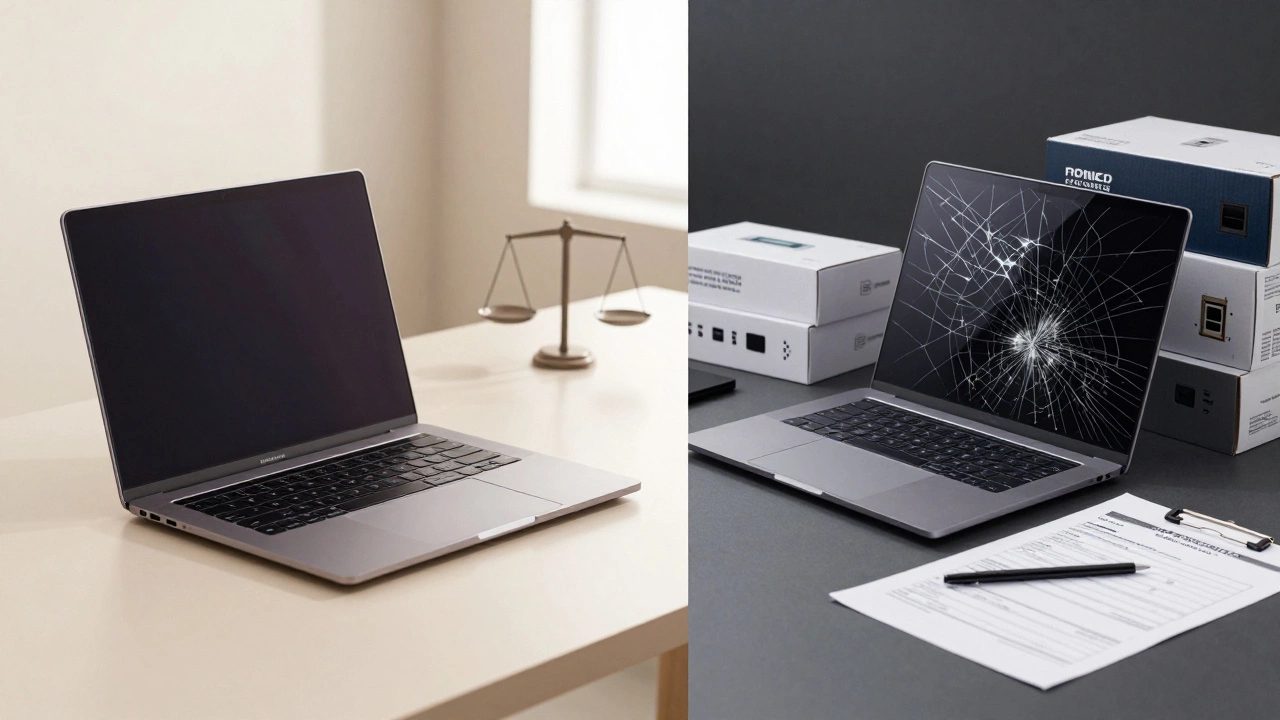
This is the million-dollar question. If your repair quote exceeds 50-60% of the cost of a new equivalent laptop, it is usually smarter to upgrade. For instance, if a basic office laptop costs $600 new, and the repair is $350, you are better off buying new. You get a fresh warranty, better performance, and no risk of recurring issues.
However, high-end machines tell a different story. If you own a MacBook Pro or a high-performance gaming rig costing $2,000+, a $400 screen repair is a no-brainer. The residual value of the machine remains high, and the repair extends its life by several years. Always consider the remaining lifespan of the device. If the battery is dying and the processor is slow, a repair might just be a temporary fix before a larger failure occurs.
How to Save Money on Laptop Repairs
While you can't change the complexity of your laptop, you can control how much you pay. Here are some practical tips:
- Get Multiple Quotes: Don't just go to the first shop you see. Call at least three local repair centers. Compare their labor rates and ask if they use OEM or third-party parts. Third-party parts can be cheaper but may lack the same durability or color matching.
- Check Warranty Status: If your laptop is under manufacturer warranty, never open it yourself or go to an unauthorized repair shop. Doing so will void the warranty. Contact the manufacturer first; they may offer free or discounted repairs.
- Consider DIY for Simple Fixes: If you are comfortable with technology, replacing a battery or upgrading an SSD (if not soldered) can be done at home. Search for "teardown" videos on YouTube for your specific model. If the video shows it requires prying apart glued panels, maybe skip it. But if it’s just a few screws, you can save $100+ in labor.
- Preventative Maintenance: Keep your laptop clean. Dust buildup causes overheating, which leads to fan failures and motherboard damage. Use a cooling pad and keep vents clear. Avoid eating over your laptop to prevent sticky keyboards, which are costly to replace due to the intricate ribbon cables underneath.
The Role of Insurance and Protection Plans
Many people overlook extended warranties or accidental damage protection plans. These can seem like extra costs upfront, but they pay off if you are clumsy or prone to spills. AppleCare+, for example, offers reduced-cost repairs for screens and logic boards. Without it, a single spill could cost you hundreds. With it, the deductible might be $100-$150.
However, read the fine print. Most standard credit card warranties cover mechanical failure but not accidental damage. Dedicated protection plans vary widely in coverage. Some exclude liquid damage entirely. If you frequently travel with your laptop or work in environments where drops are likely, investing in a good plan is a form of financial insurance against skyrocketing repair bills.
Conclusion: Understanding the Value
Laptop repair is expensive because it combines high-skill labor with scarce, specialized parts in a complex hardware environment. While the sticker price hurts, understanding the breakdown helps you make informed decisions. Whether you choose to repair, replace, or DIY, knowing the true cost structure empowers you to protect your investment and avoid being overcharged. Next time your screen flickers or your battery swells, you’ll know exactly what you’re paying for-and whether it’s worth it.
Is it worth repairing an old laptop?
It depends on the cost relative to a new device. If the repair costs more than 50% of a new comparable laptop, buying new is usually better. However, for high-end models or if the repair is minor (like a battery), fixing it can extend the device's life significantly and save money in the long run.
Why are OEM parts so expensive?
OEM (Original Equipment Manufacturer) parts are expensive because they are produced in limited quantities, often customized for specific models, and involve significant R&D costs. Manufacturers also limit supply to encourage new purchases, creating scarcity that drives up prices for repair shops.
Can I replace my laptop screen myself?
Yes, but only if your model allows easy access. Check online teardown guides for your specific laptop. If the screen is held by screws and clips, it’s a manageable DIY project. If it uses strong adhesives or requires removing the entire top case, it’s risky and best left to professionals to avoid cracking the bezel or damaging internal cables.
Does insurance cover laptop repairs?
Standard homeowner’s or renter’s insurance rarely covers accidental damage to electronics unless you add a specific rider. Extended warranties from manufacturers (like AppleCare+) or third-party protection plans often cover accidental damage for a deductible. Credit card warranties typically cover mechanical failure but not drops or spills.
What is the most common reason for expensive laptop repairs?
Liquid damage and motherboard failures are the most common causes of high repair bills. Liquid can corrode circuits instantly, requiring full board replacement or complex micro-soldering repairs. Motherboards are the heart of the laptop, and since many components are soldered to them, a single chip failure can necessitate replacing the entire expensive board.